
Other 3D CAD
Per-seat subscription / perpetual
One license per user. Growing the team means buying more, and major version upgrades often cost again.
Parametric modeling used to be billed per seat. Now it is free. 3DsWorks CAD is an alternative for people working in other 3D CAD tools: the same navigation and feature timeline, native on Windows / macOS / Linux, with design files that stay on your machine.
No registration · No subscription · Unlimited seats · Free to use
Same parametric modeling. One side bills per head every year; the other has a one-time license cost of zero.
Per-seat subscription / perpetual
One license per user. Growing the team means buying more, and major version upgrades often cost again.
$0
Free for commercial use, unlimited seats and installs, no upgrade fee.
Cost structures vary by edition, region and promotion. Refer to each vendor's official pricing.
Once the license cost is zero, what actually changes is choice: switch platforms, keep your files local, deploy privately — without asking a vendor.
Individuals, teams and companies can use it commercially at no cost: no seat fees, no subscription, no feature locks. Custom development and project work are contracted separately.
Design files stay local and export in open formats. The desktop app runs without an account, and server components can be deployed privately.
The same Rust codebase runs on Windows, macOS and Linux, and the web build opens a design in the browser. You are not tied to one OS.
A built-in command system and MCP control channel let an AI assistant model, change parameters and run checks like a person — not just answer questions.
Habits, file formats and delivery paths are kept as close as possible, so migration is not a re-learning project.
Built-in presets for several mainstream 3D CAD tools: middle-button orbit, right-click menus and Normal to Selection work as before, switchable in Preferences.
AvailableImport STEP, IGES, Rhino (.3dm), FreeCAD (.FCStd), STL, 3MF, OBJ, glTF, DXF and SVG. STEP keeps assembly structure and detects the Y-up orientation automatically.
AvailableReading other 3D CAD native part and assembly files (such as .sldprt / .sldasm) is not supported yet and is in development. Use STEP / IGES for now; feature history is not carried over.
PlannedThe current view exports to DXF for further annotation or delivery. The full drawing workspace is still in development.
In developmentCapabilities organized by workflow. What ships and what is still in progress is marked clearly.
From 2D sketches to solids and surfaces. Every feature lives in the timeline — change one dimension and the whole model rebuilds. Read the modeling docs →
Sketch, extrude, revolve, sweep, loft, hole, thread, fillet, chamfer, shell and pattern, with every parametric feature editable.
Boundary surfaces, patch, trim, blend and match, for Class-A style continuous surfaces.
Flanges, bends, unfold and flat patterns, corner reliefs — from design straight to a manufacturable flat pattern.
Dimensions, geometric constraints, patterns, splines and construction geometry, solved and linked in real time.
Build parts into a product, check whether it assembles and moves, then decide whether to tool up. Read the assembly docs →
Component placement, constraints, exploded views and configurations, with associative design and sub-assemblies.
Define joints, drive motion, check travel and interference, and validate how a mechanism behaves in real space.
Interference checks, clearance, distance, angle and mass properties — find problems during design.
Manage product families with parameters and configurations, deriving different variants from one model.
Turn a finished mechanism into a clip someone can follow: assembly steps, exploded views and motion on one timeline. Read the animation docs →
Key component poses on a seconds-based timeline, then copy, reverse or offset a sequence instead of re-keying it by hand.
Generate a rotation, explode or motion sequence from a wizard, or bake a motor drive into keyframes you can still edit.
Sequence motion studies, exploded views and joint drives into one presentation, for assembly instructions, bids and product intros.
Render the timeline to an animated GIF or a PNG frame sequence, ready for a manual, a slide or a web page.
Turn the model into files that manufacturing, suppliers and customers can use. Open formats, not locked to one machine. Read the format notes →
The current view exports to DXF. The full drawing workspace is in development.
Import and export STEP, IGES, Rhino (.3dm), FreeCAD (.FCStd), STL, 3MF, OBJ, glTF, DXF and SVG, connecting to existing supply chains.
Feature history, sketches and assembly relations are saved in full, so work continues on another machine.
Export STL / 3MF or send directly to a local slicer, connecting the design to 3D printing.
Produce images on the same model when the design is done — no exporting back and forth. Read the rendering docs →
PBR materials, studio lighting, environment light and progressive rendering for product-grade images.
Metals, plastics, coatings and transparent materials, with custom optical parameters and textures.
Show structure and assembly order with exploded views, suited to manuals, bids and marketing assets.
The web build opens a design and views the model, for reviews and remote communication.
Hand repetitive work to commands and agents. Every action in 3DsWorks is an orchestratable command. Read the MCP docs →
Every UI action maps to a command, callable from the command line, scripts or external programs.
Model, change parameters and inspect assemblies in natural language, with results landing in editable features.
A local MCP service lets external AI tools read and write the current design safely.
Plugins, commands and workflows can be tailored to a team's habits.
Static, modal, buckling and fatigue studies run on the same body, in the same file — with materials, fixtures, loads, mesh and a safety-factor contour.
Sketches, features, surfaces, assemblies and rendering share one data set. Change a parameter and the model, assembly and images update together — no repeated export and import.
A B-rep geometry kernel written in pure Rust, shared by desktop and browser.
Views, dimensions and the title block read the live model. There is no second copy of the geometry to keep in sync, and no export step between designing and documenting.
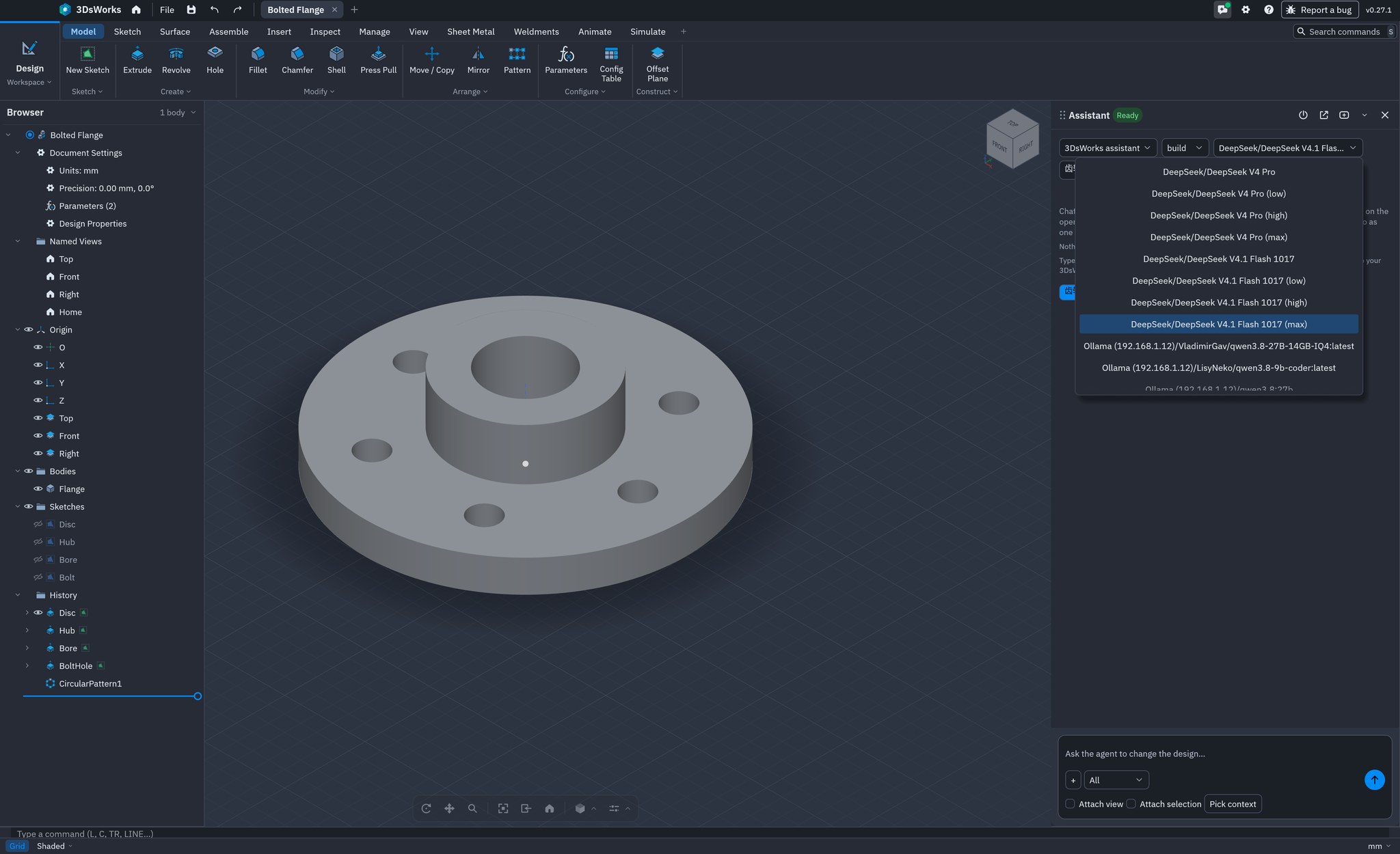
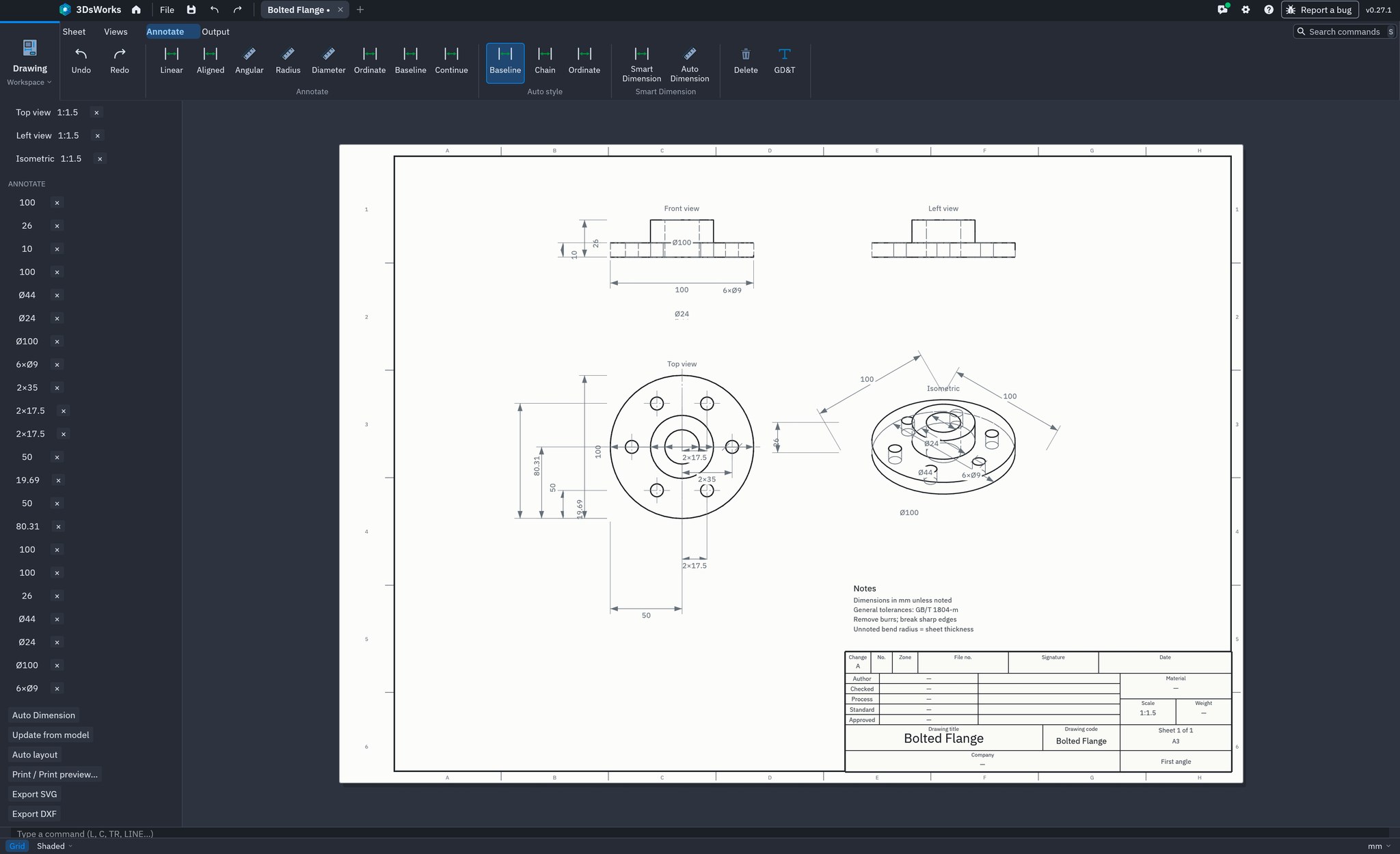
No avoiding the gaps: PDM, CAM and a full drawing workspace are still being built. But on license cost, platform freedom, data ownership and customizability, 3DsWorks offers a different choice.
| Dimension | 3DsWorks | Other 3D CAD |
|---|---|---|
| License & cost | Free to use, including commercial work; unlimited seats | Per-seat subscription or perpetual license; grows with the team |
| Workflow | Built-in navigation presets for several mainstream tools | Native workflow, mature add-in and macro ecosystem |
| Operating systems | Windows, macOS, Linux native, plus a web build | Mostly Windows; cross-device work depends on the vendor cloud |
| Data ownership | Design files stay local, private deployment, open formats | Local and cloud mixed, managed by the vendor platform |
| Part / assembly / surface / sheet metal | Available, with a fully editable parametric timeline | Available, validated over decades of industrial use |
| Configurations | Parameters, expressions and configuration tables | Configurations and design tables, strong for product families |
| Simulation | Structural studies in 3DsWorks CAE: static, modal, buckling, fatigue | Full simulation suite with thermal, non-linear and dynamic analysis |
| Animation | Keyframe animation, storyboards, motion and exploded sequences, GIF / PNG export | Animation add-ins and a mature motion product line |
| Drawings | DXF export of the current view; full drawing workspace in development | Mature, with full annotation and drawing standards |
| PDM | Planned; integrates through open interfaces today | Mature PDM product line |
| CAM | Not built in; export STL / 3MF to existing CAM software or an external partner | Mature CAM product line |
| Extensibility | Rust + command system + MCP; source available under contract; privately deployable | API and plugin ecosystem, constrained by the platform |
| AI & automation | Command system + MCP + AI assistant, orchestrated locally | AI features in some products, with a more closed ecosystem |
| Best for | SMBs, makers, education, private-deployment teams | Large organizations needing a complete simulation, data and manufacturing loop |
Comparison is for positioning only; features and licensing follow each product's official information.
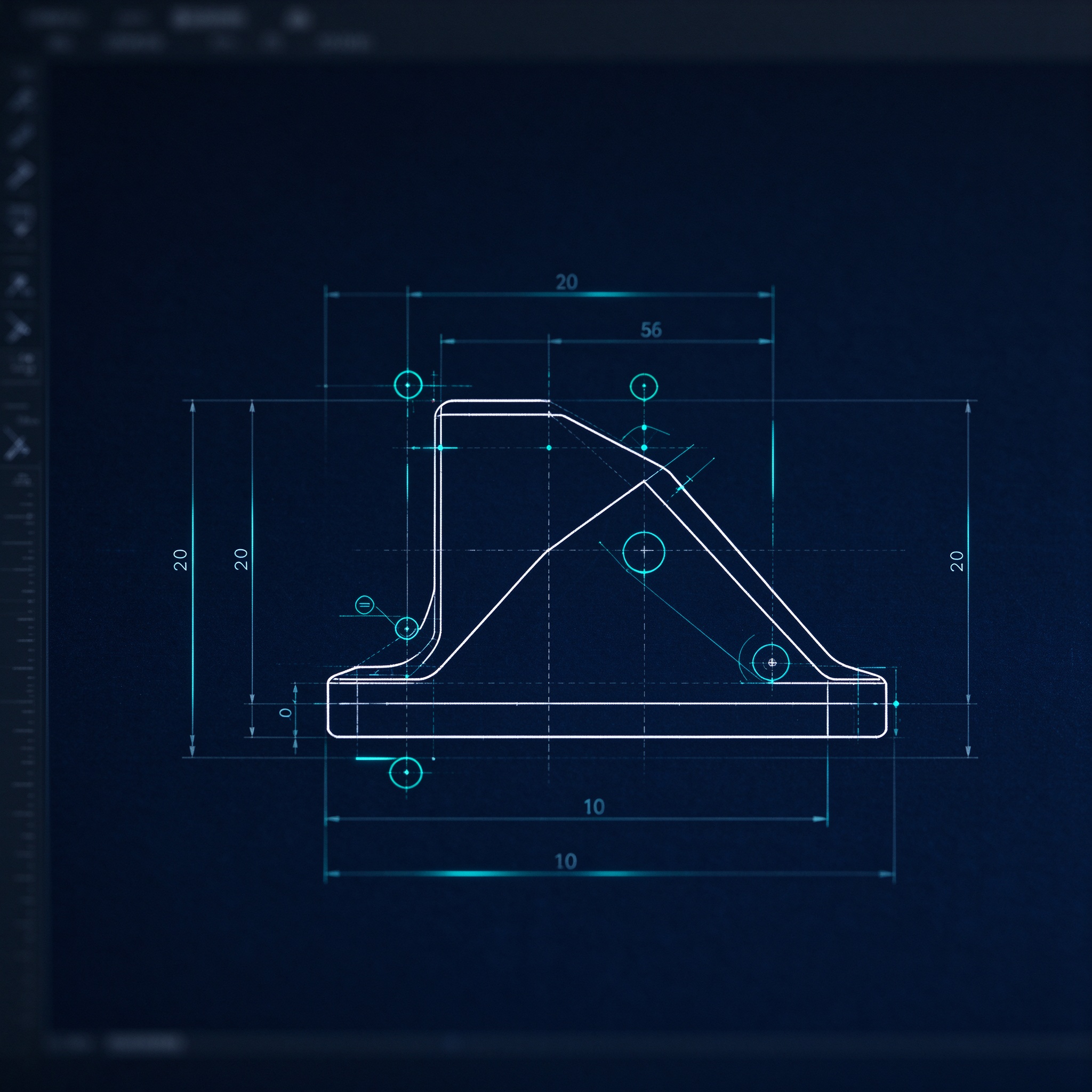
Sketch on a plane with dimensions and constraints, so the shape is driven by parameters.
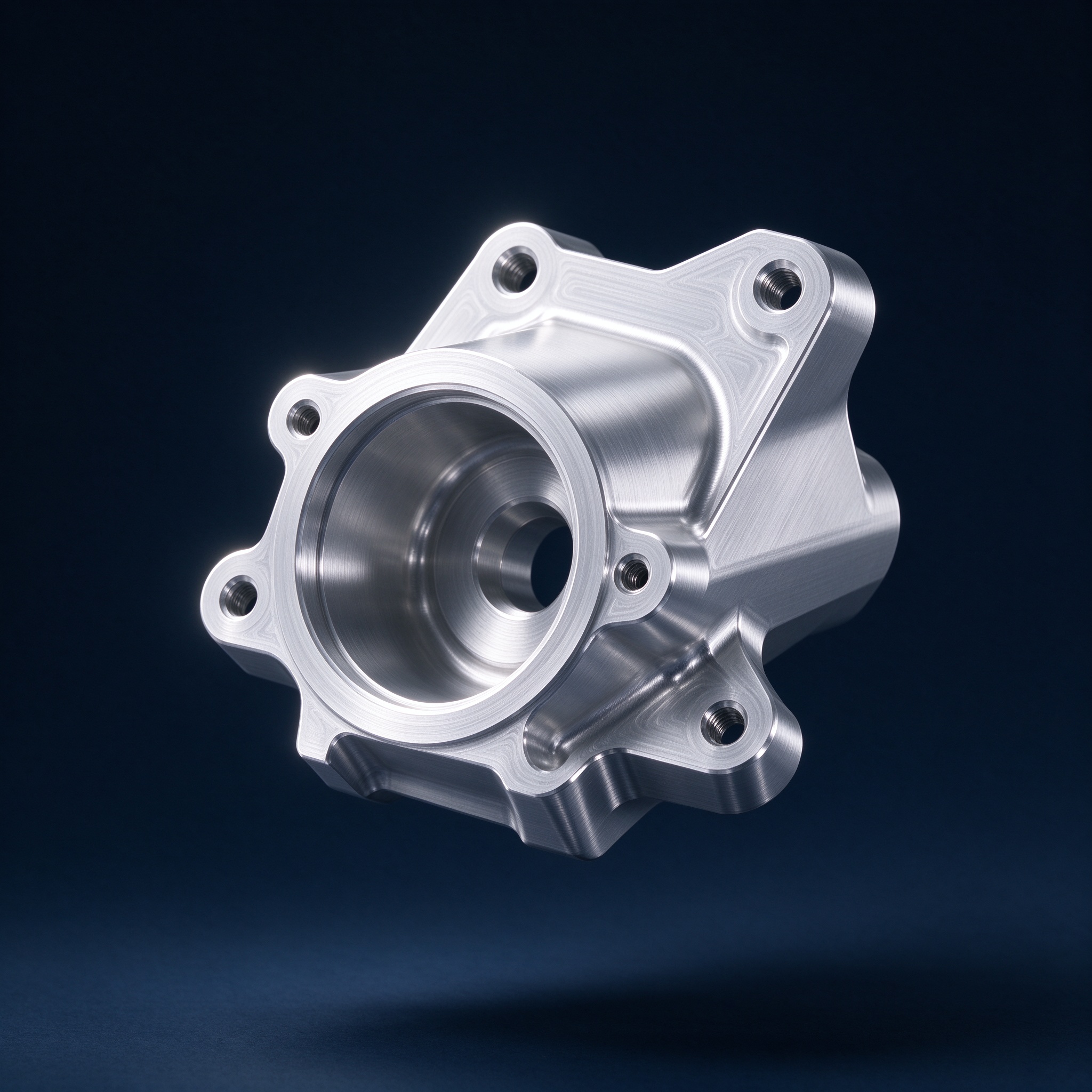
Extrude, revolve, sweep, loft, surface and sheet metal, with features organized on a timeline.
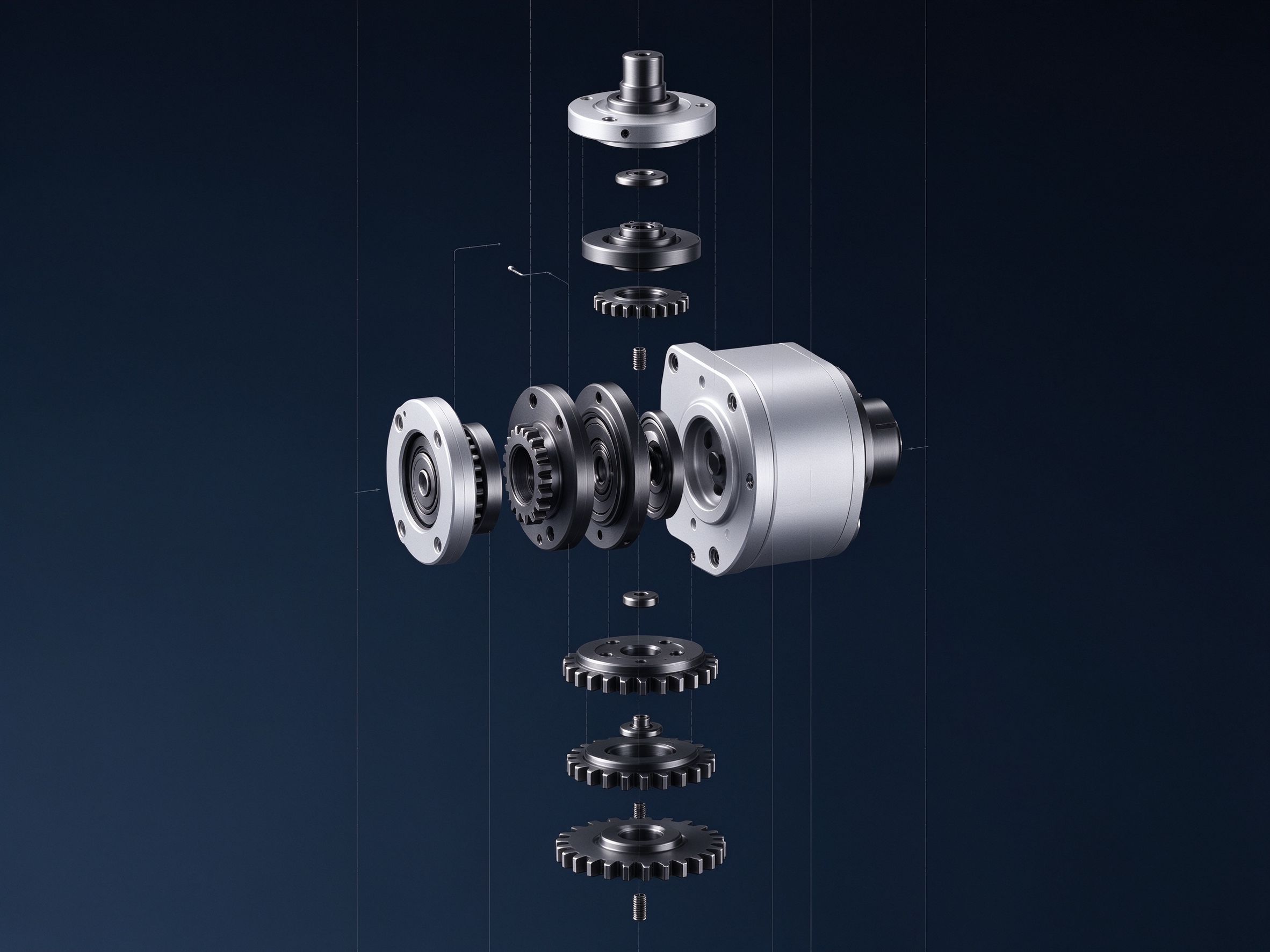
Assembly, constraints, motion and interference checks to confirm it fits and moves.
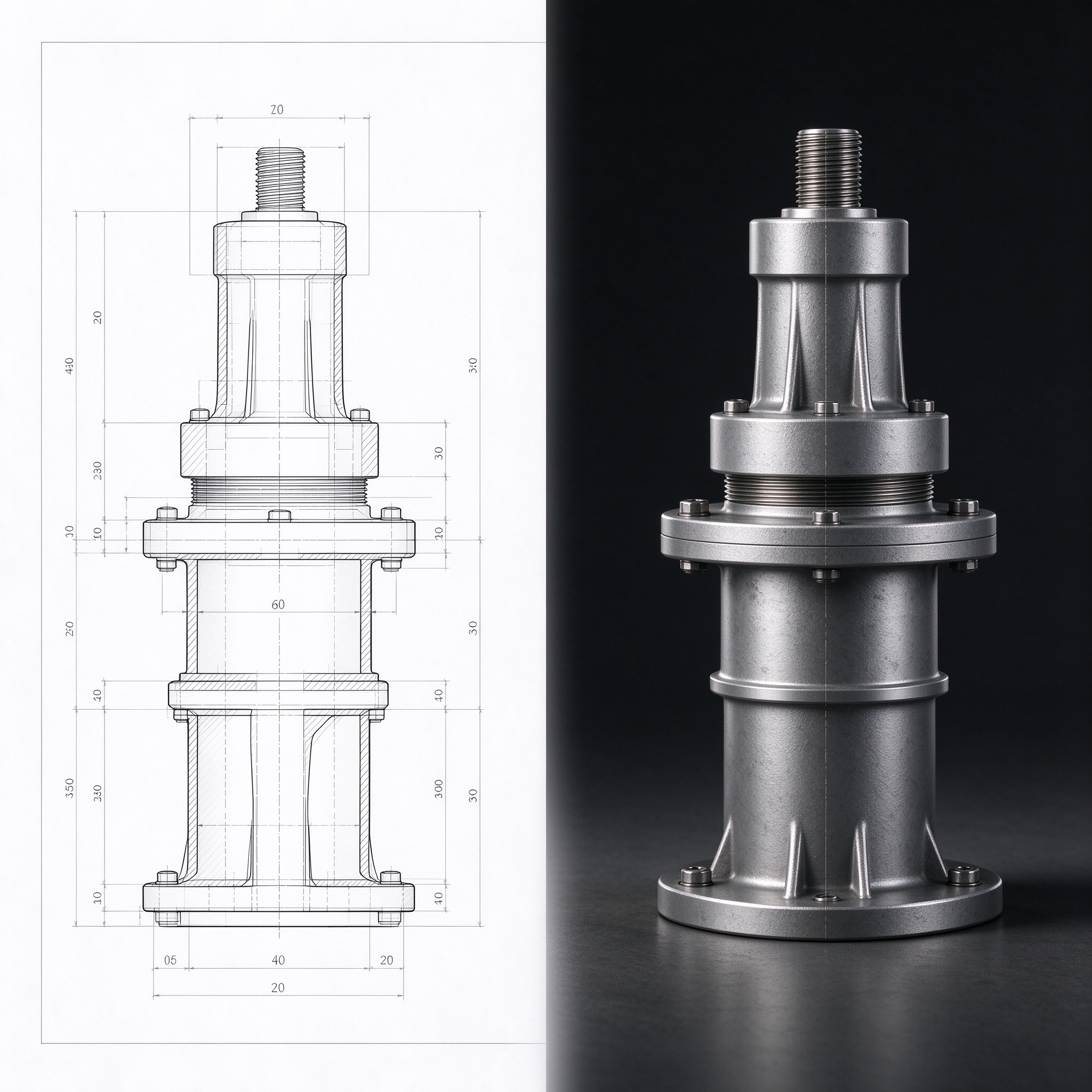
Export STEP / STL / DXF, render product images, and hand it to manufacturing or the customer.
Download 3DsWorks and start from a single sketch. No registration, no trial period, no feature locks.