
 01 / MODEL
Start from the real model
Import the engineering model — OBJ, 3DS, FBX, STL, glTF, GLB, PLY, 3MF or ZIP. Assembly structure is preserved, so every part stays identifiable.
CAS turns the engineering model into an interactive 3D showcase. Customers rotate it, open it, switch finishes and understand it in seconds — on a launch page, in a sales meeting or at a trade-show booth.
Windows · Browser viewer · No install for customers · No code
Your product has more to say. Buyers want to turn it around, look inside and see the option they are about to pay for.
01 / MODEL
Import the engineering model — OBJ, 3DS, FBX, STL, glTF, GLB, PLY, 3MF or ZIP. Assembly structure is preserved, so every part stays identifiable.
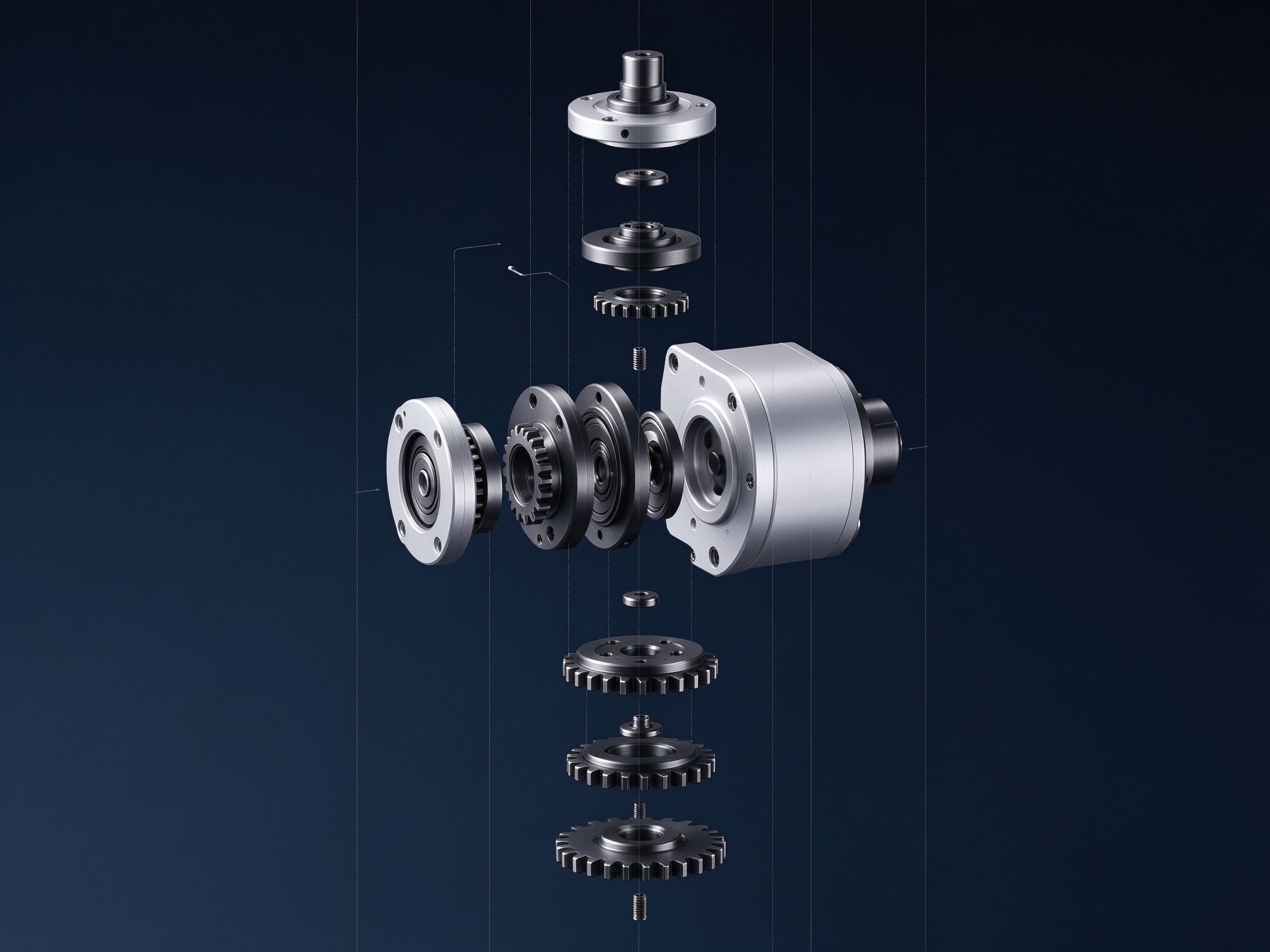
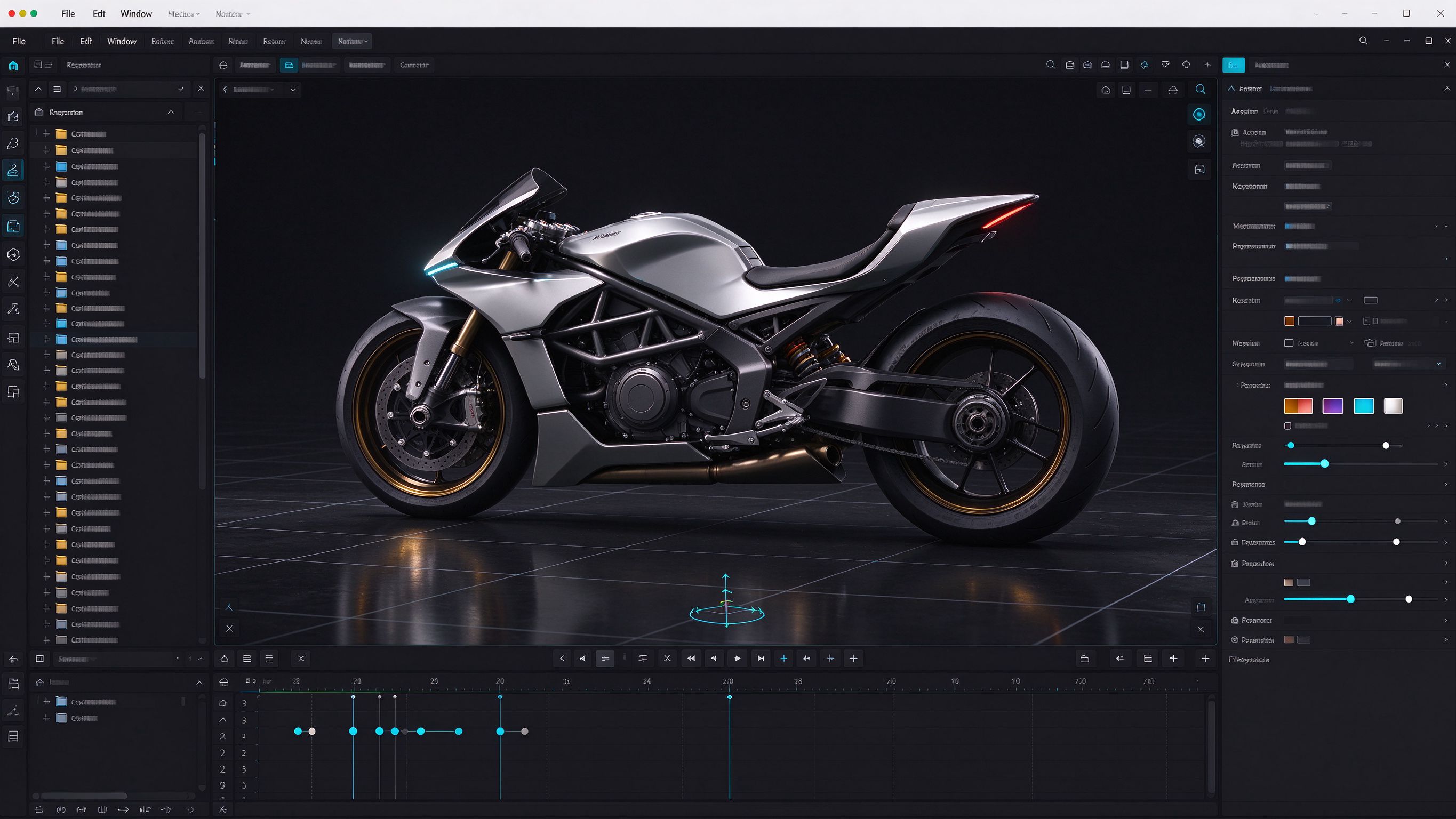
Set materials and light, frame the camera, arrange exploded views and animation. No rendering pipeline, no code.
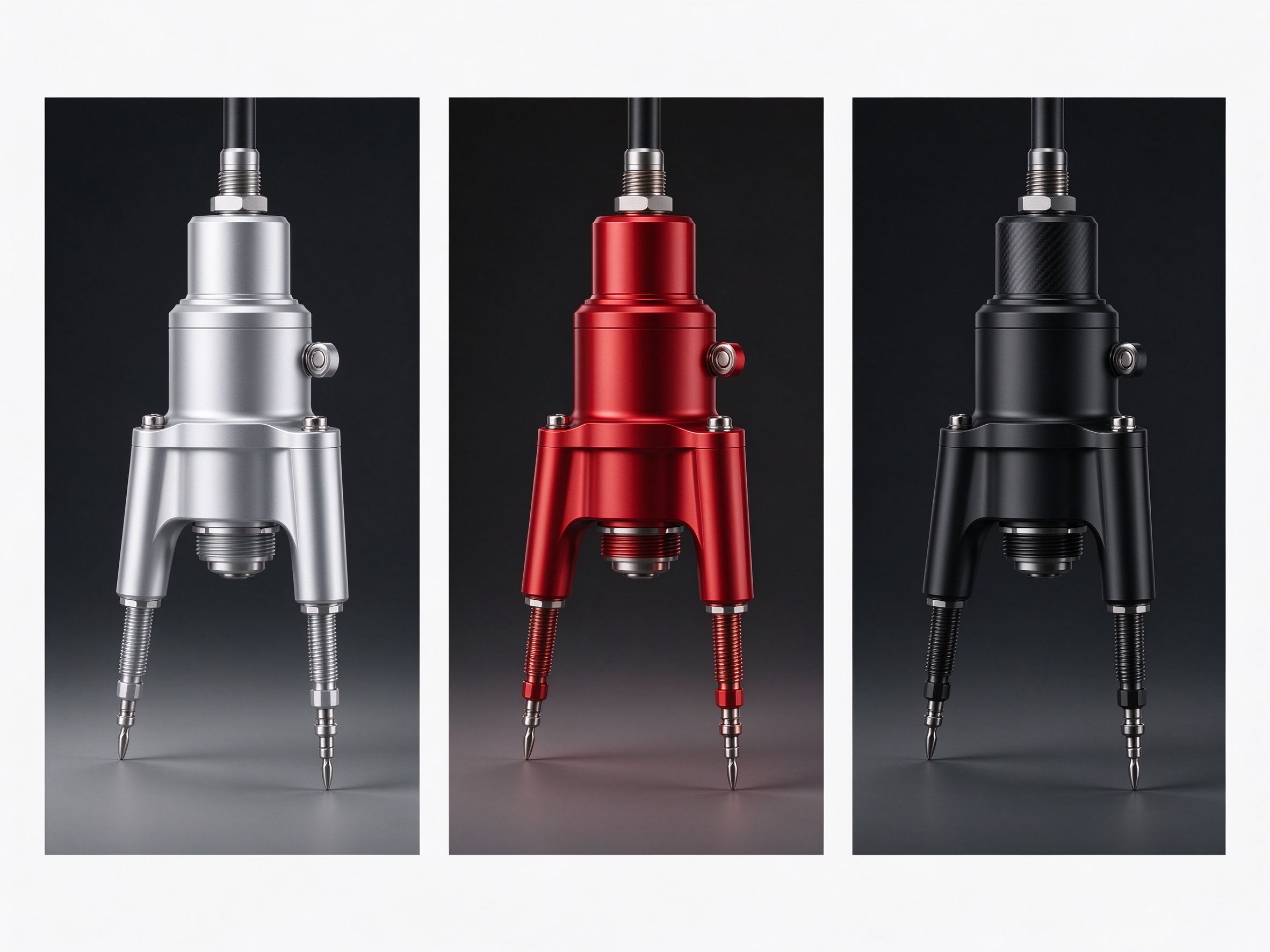
Hotspots, guided steps and option switching turn a model into a conversation.
Send a URL or a QR code. It opens in any modern browser, on desktop, tablet or booth screen.
 05 / UPDATE
Change the model or the scene and republish. The same link shows the new version — no re-rendering, no re-exporting video.
Publish from the cloud, or run the viewer inside your own network for a booth or an internal launch.
Three steps from a file on your machine to something a customer can open.
Bring in the CAD export or mesh. CAS keeps the assembly structure and materials so nothing has to be rebuilt.
Choose materials and light, set the opening camera, add exploded views, animation and hotspots.
Share a link or QR code. Update the source later and republish the same link.
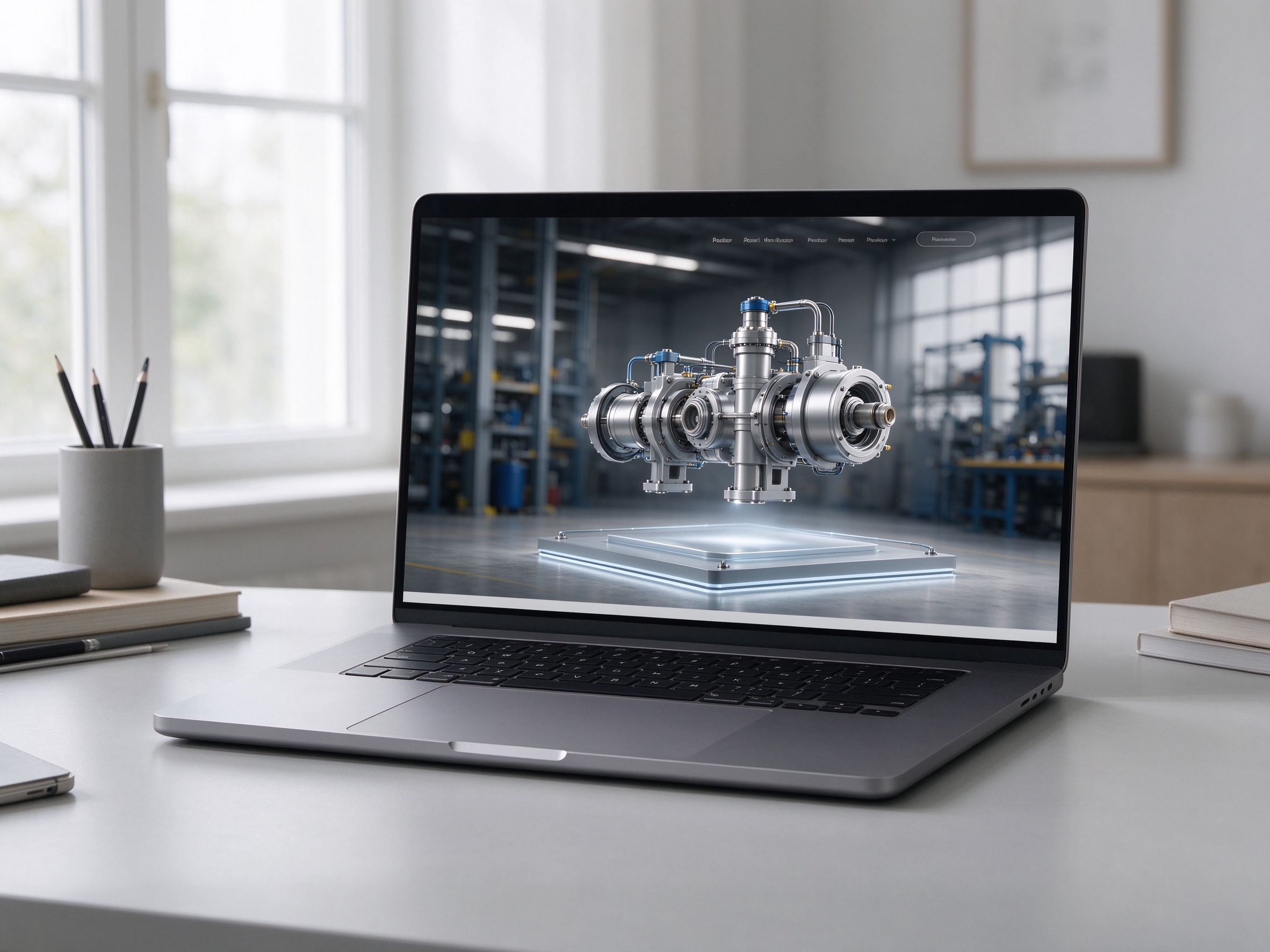
Let visitors turn the product around, open it and explore features before they enquire.
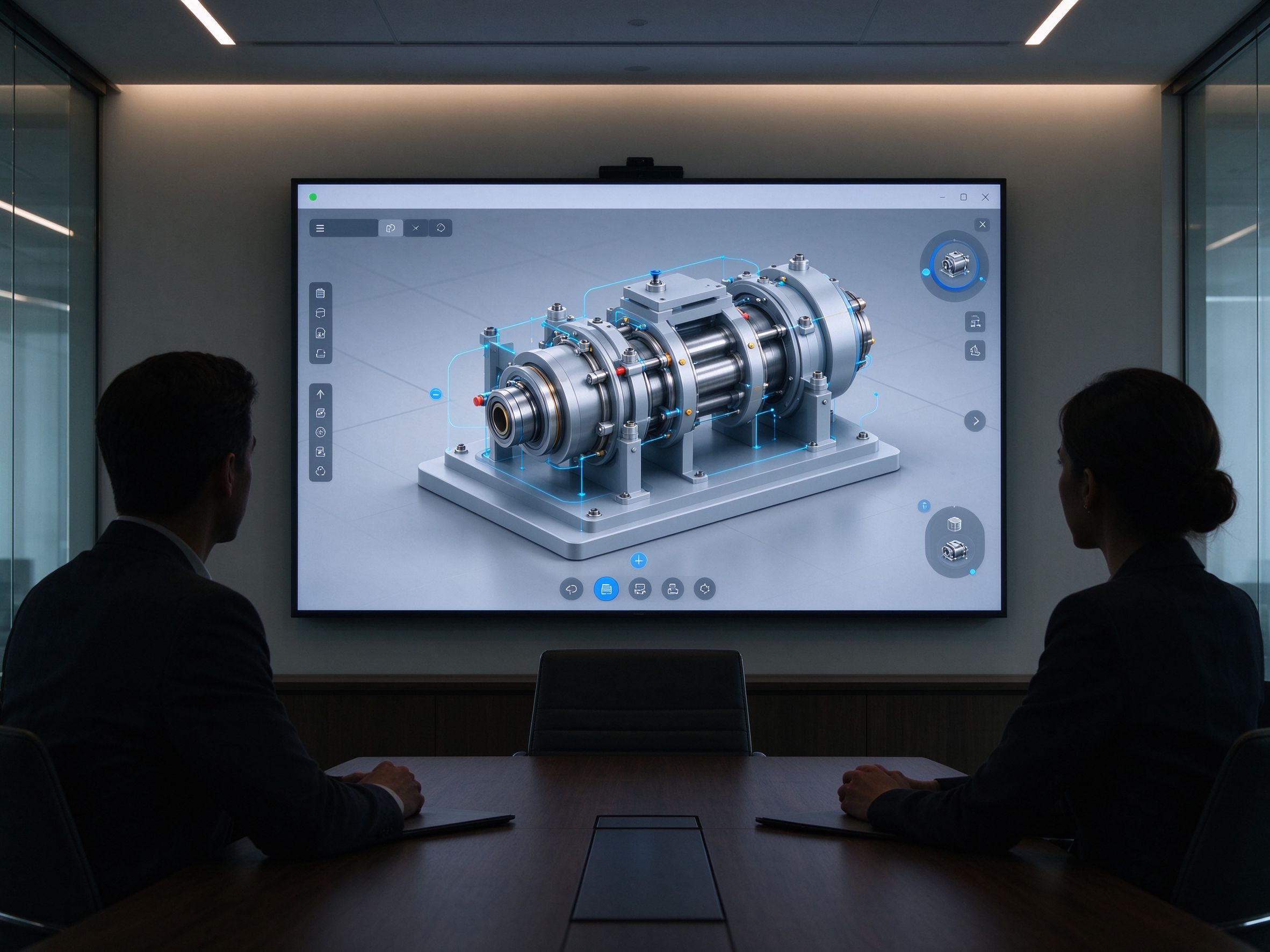
Walk a buyer through every option and detail without carrying a demo unit.
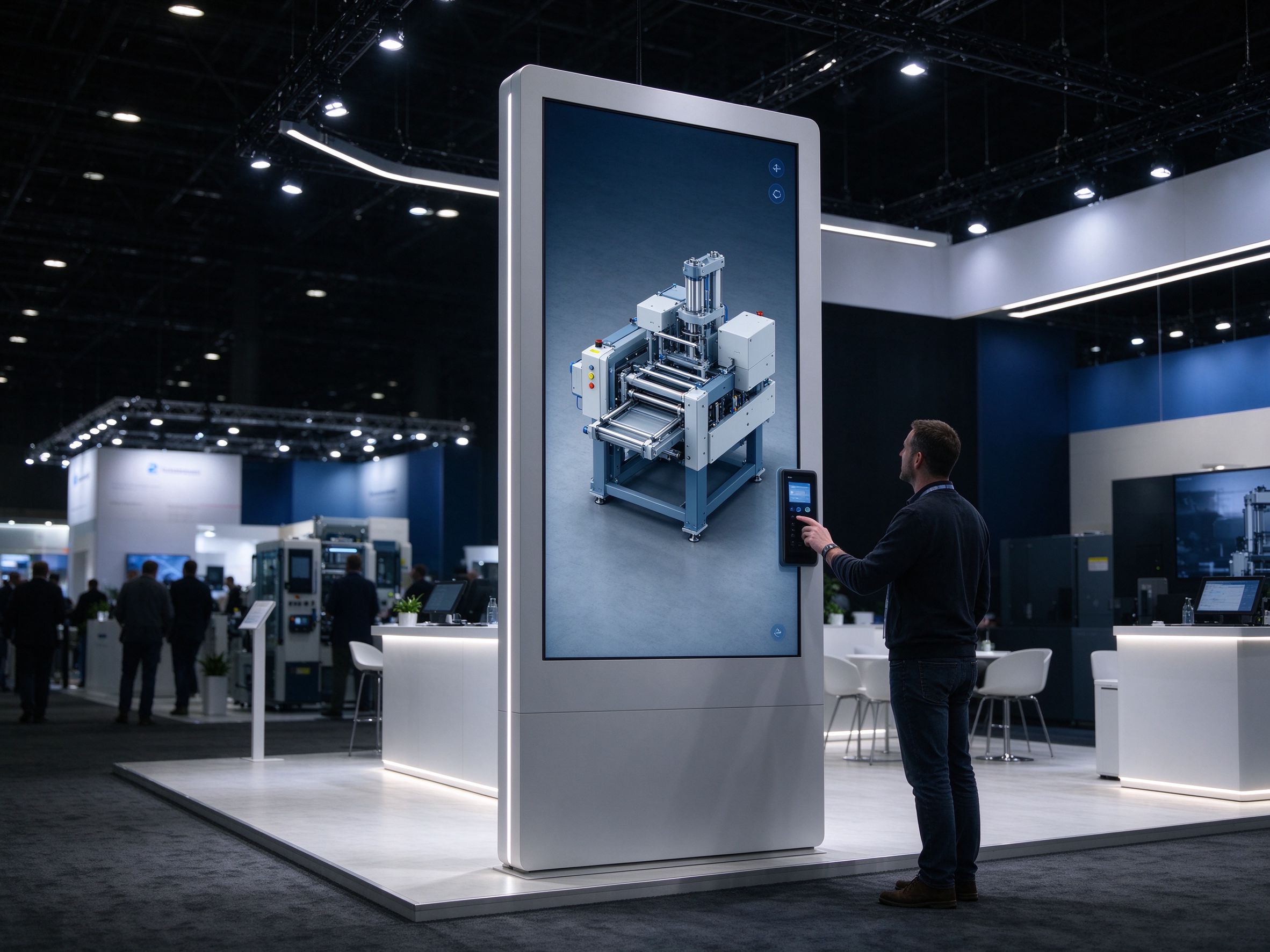
Run all day on a booth screen: no install, no login, restart at any time.
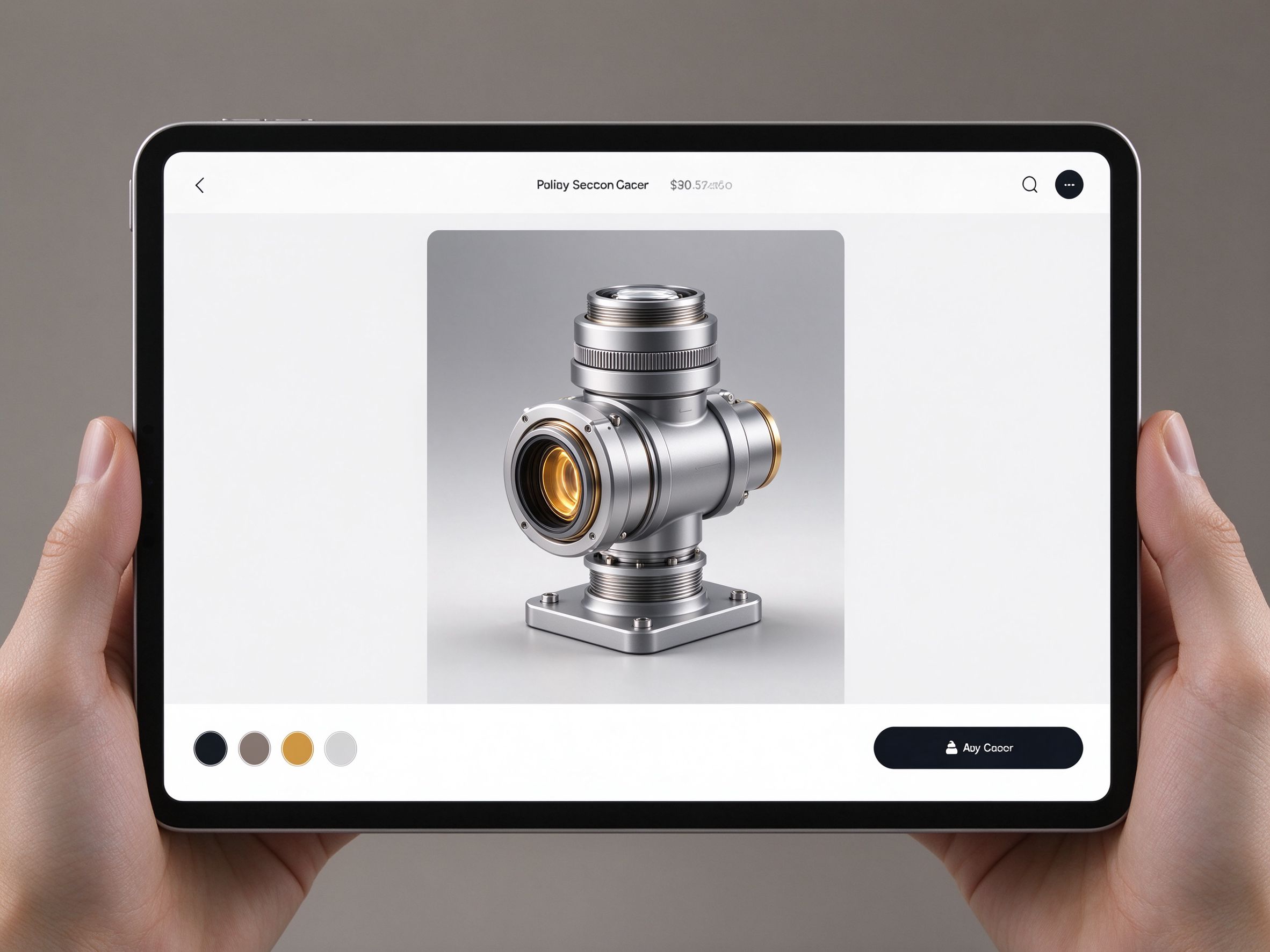
Put the real product into a catalog, a dealer portal or a quote presentation.
“A render is a claim.
An interactive model is proof.”
Publish to as many customers and screens as the project needs.
For students, teachers and individual evaluation.
For commercial showcases that go to customers.
For private hosting, large scenes and OEM work.
Send us a model. We will publish a showcase you can open from a link.